Our verdict: systeme.io’s Free plan covered the core parts of our small test: a course, an opt-in funnel, a CRM contact, and enrollment automation. We uploaded our own MP4 and PDF, submitted the free-access form, and confirmed that the contact received course access without entering card details. We could not create the email campaign without an authenticated sending domain or complete the paid checkout without a payment gateway.
Page editing was the main weakness in our test. The templates required careful cleanup, especially inherited links and promotional elements. Saving also did not activate lectures automatically, so the workflow required several status checks before publication.
What We Tested
We opened a dedicated systeme.io Free account and built a test course called Solo Creator Launch Lab. The test addressed one question: can one free account create a course, collect a lead, and grant course access through an opt-in form?
The hands-on work used systeme.io’s hosted subdomain from Japan in a Chromium browser. It included:
- A Classic course with two modules and three active lectures
- One self-produced 12-second MP4 uploaded to a lecture
- One self-produced two-page PDF linked as a downloadable worksheet
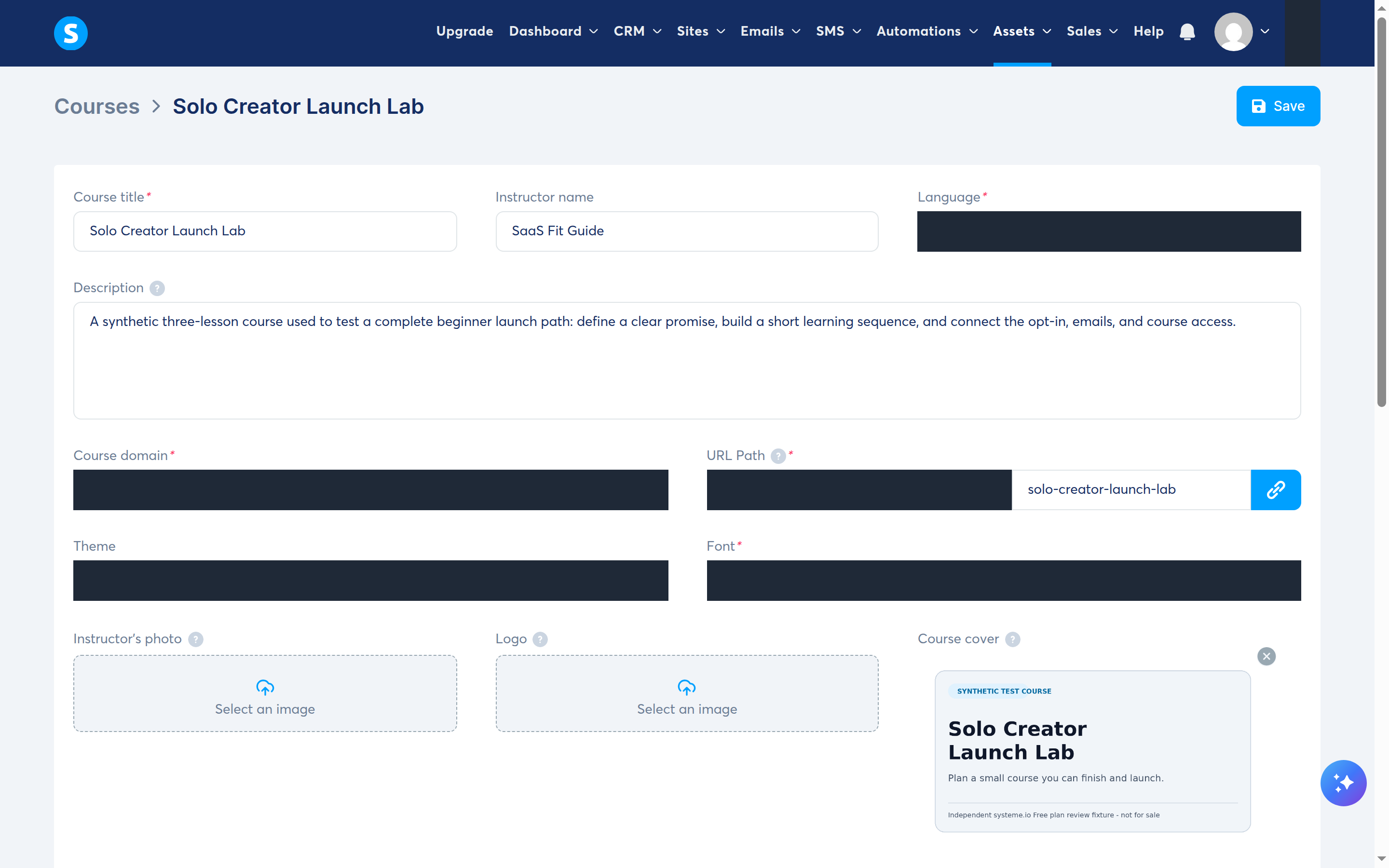
- A course cover, instructor name, description, and URL path
- A
Build an audiencefunnel with an opt-in page and thank-you page - A form that redirects to the next funnel step
- A confirmed sender address followed by an unsuccessful campaign-creation attempt because the sending domain was not authenticated
- An opt-in automation that created one CRM contact and granted full course access
- Separate sales and order-form steps for a future paid offer; product pricing stopped at the payment-gateway requirement
We used only synthetic text and assets for the course and funnel. We did not connect Stripe or PayPal, charge a card, test a refund, authenticate a sending domain, connect a custom domain, or send a marketing campaign. The only email-side action completed was confirming one controlled sender address, so this review makes no campaign-delivery or inbox-placement claim.
The public pricing details were checked on August 28, 2026. The hands-on workflow and current help documentation were checked through August 29, 2026. Features and limits can change.
Quick Findings
| Area | What we observed | Main limitation |
|---|---|---|
| Course authoring | Modules, lectures, video, files, and course enrollment fit in one Free account | Lessons needed separate activation and template cleanup |
| Funnel building | Opt-in and thank-you steps were generated together and could use a hosted subdomain | The current template catalogue made a minimal page harder to find than expected |
| A sender address could be confirmed, but the campaign sender list remained empty without an authenticated domain | Domain authentication is mandatory before campaign creation and sending | |
| Automation | The opt-in path created a CRM contact and granted full course access | We verified course enrollment only; no campaign subscription or delivery was tested |
| Checkout | Sales and order-form steps can be added separately from the free path | A gateway was required before creating the product price plan, so we did not publish or transact through checkout |
| Value | Our test stayed within the Free plan without adding a card | Capacity limits arrive at 2,000 contacts, three funnels, and one course |
Building the Course
The course builder uses a clear hierarchy: course, module, then lecture. We created two modules and three lectures to test text editing, file uploads, video embedding, and lecture activation.
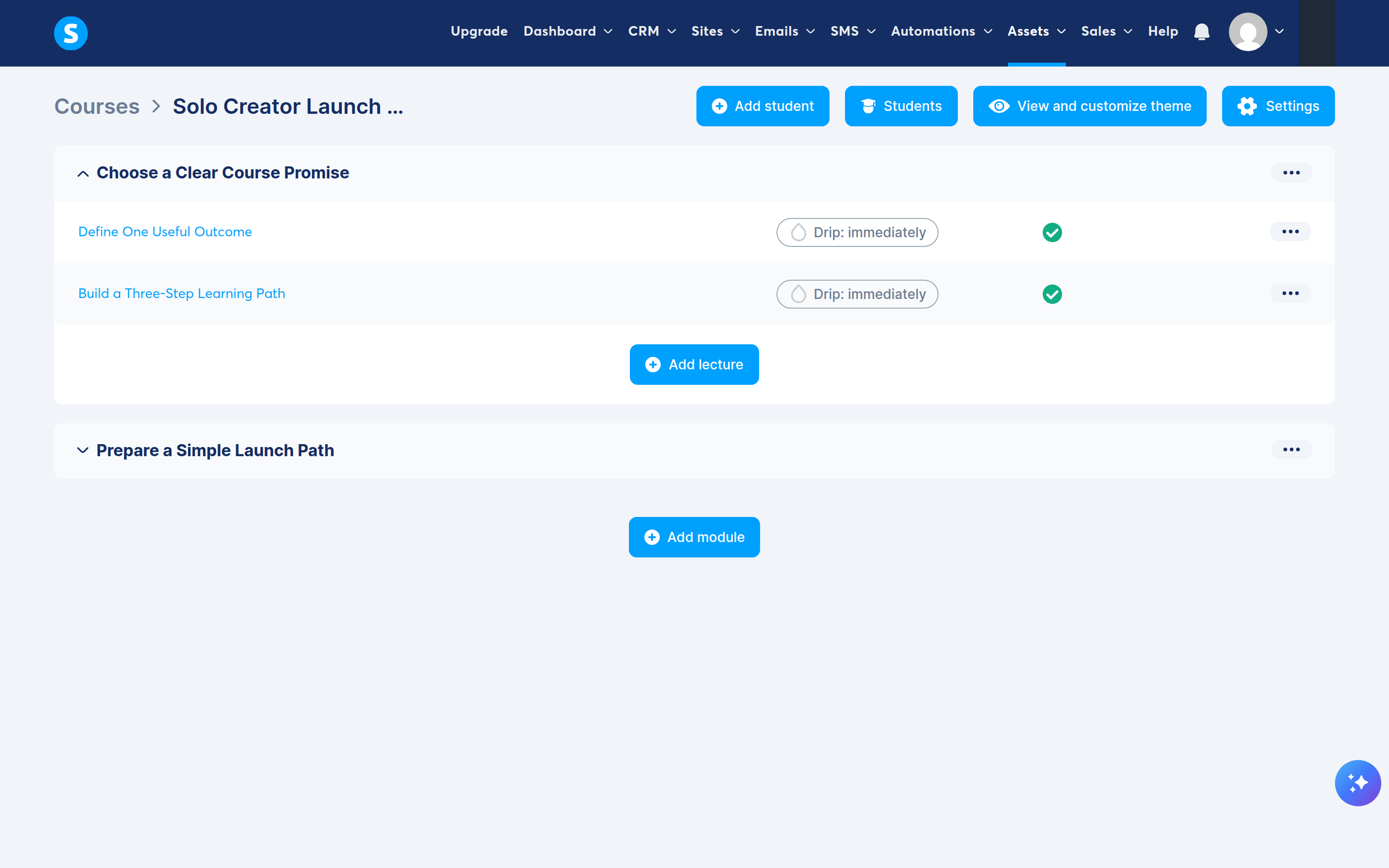
Each lecture required a page template. The templates were usable, but the ones we selected contained unrelated sample copy and eight Amazon links. Replacing visible text was straightforward; removing inherited links required more care because editing the words did not always remove the underlying URL.
Replacing template text did not always remove its links. Preview every lecture and inspect its links before publishing.
Uploading video and a worksheet
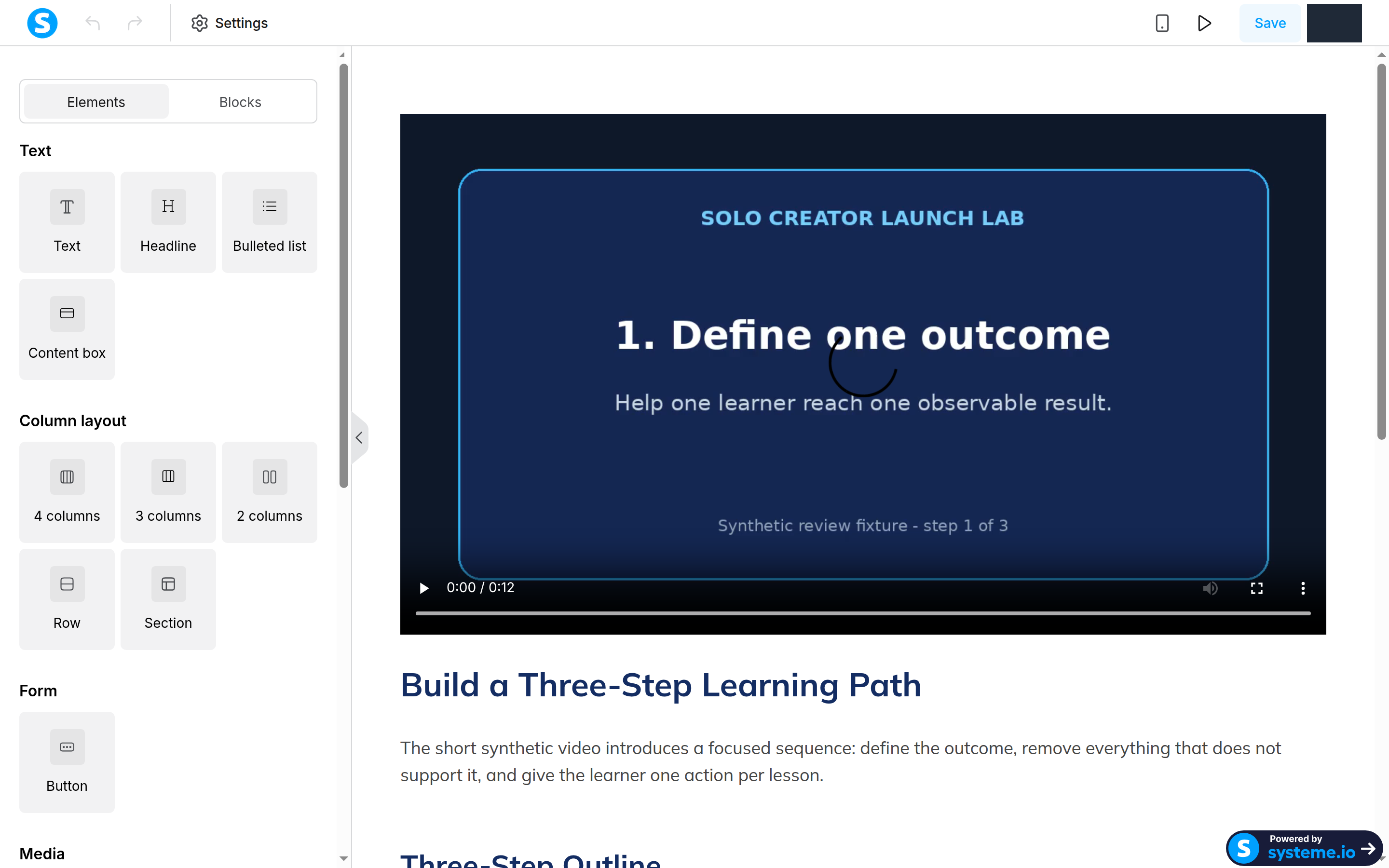
The platform accepted our 1280 × 720 H.264 MP4 through the lecture editor’s file manager. Uploading was a multi-step process: choose the file, wait for completion, select the uploaded asset, and insert it. The video remained embedded after we saved and reloaded the lecture.
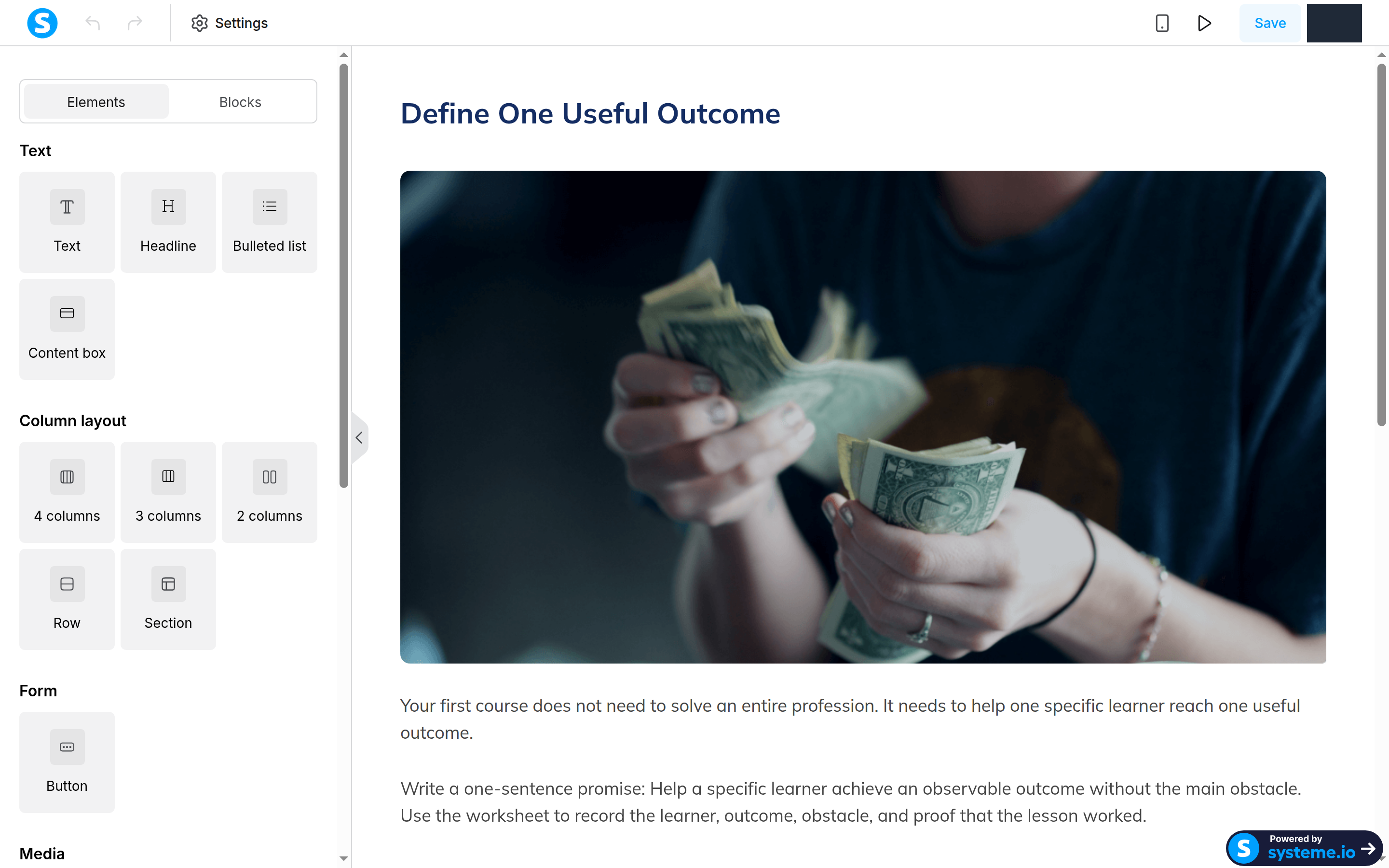
We uploaded the PDF worksheet through the same file manager and linked it from lecture text. The link and our edited copy also persisted after a reload.
This test confirms that systeme.io can host a small MP4 and PDF inside a course. It does not cover long videos, adaptive streaming under load, captions, or large-scale storage performance.
Publishing is not automatic
Creating and saving a lecture did not make it active. Each lecture had a separate menu action labeled Activate, followed by a confirmation dialog. After activation, the menu changed to Deactivate.
Because activation is separate from saving, we had to check the status of each lecture from the curriculum screen before treating it as published.
Building the Opt-in Funnel
Choosing Build an audience created an opt-in step and a thank-you step. We set the funnel currency to US dollars for the unfinished checkout step; the free opt-in did not collect payment.
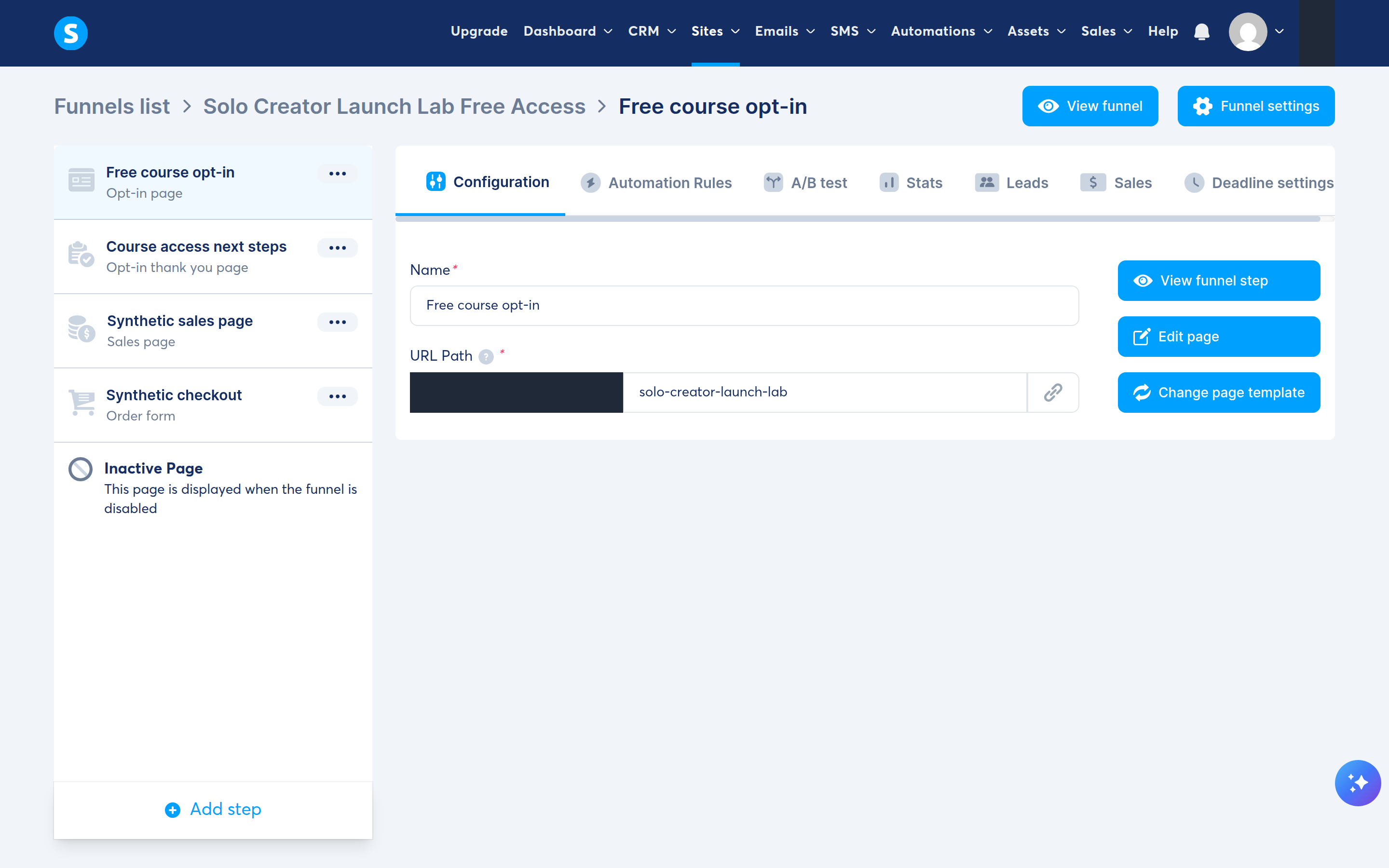
The difficult part was not creating the funnel. It was finding a minimal template. The first pages of the template library emphasized full multi-section websites. We inspected several templates before moving to older options and selecting a smaller email-capture layout.
Even that layout contained Black Friday copy and an animated raw-HTML SALE banner. We replaced the raw HTML with a static, self-contained course notice, removed the external font, and rewrote every visible promotional label. The final form had one email field and one GET FREE ACCESS button.
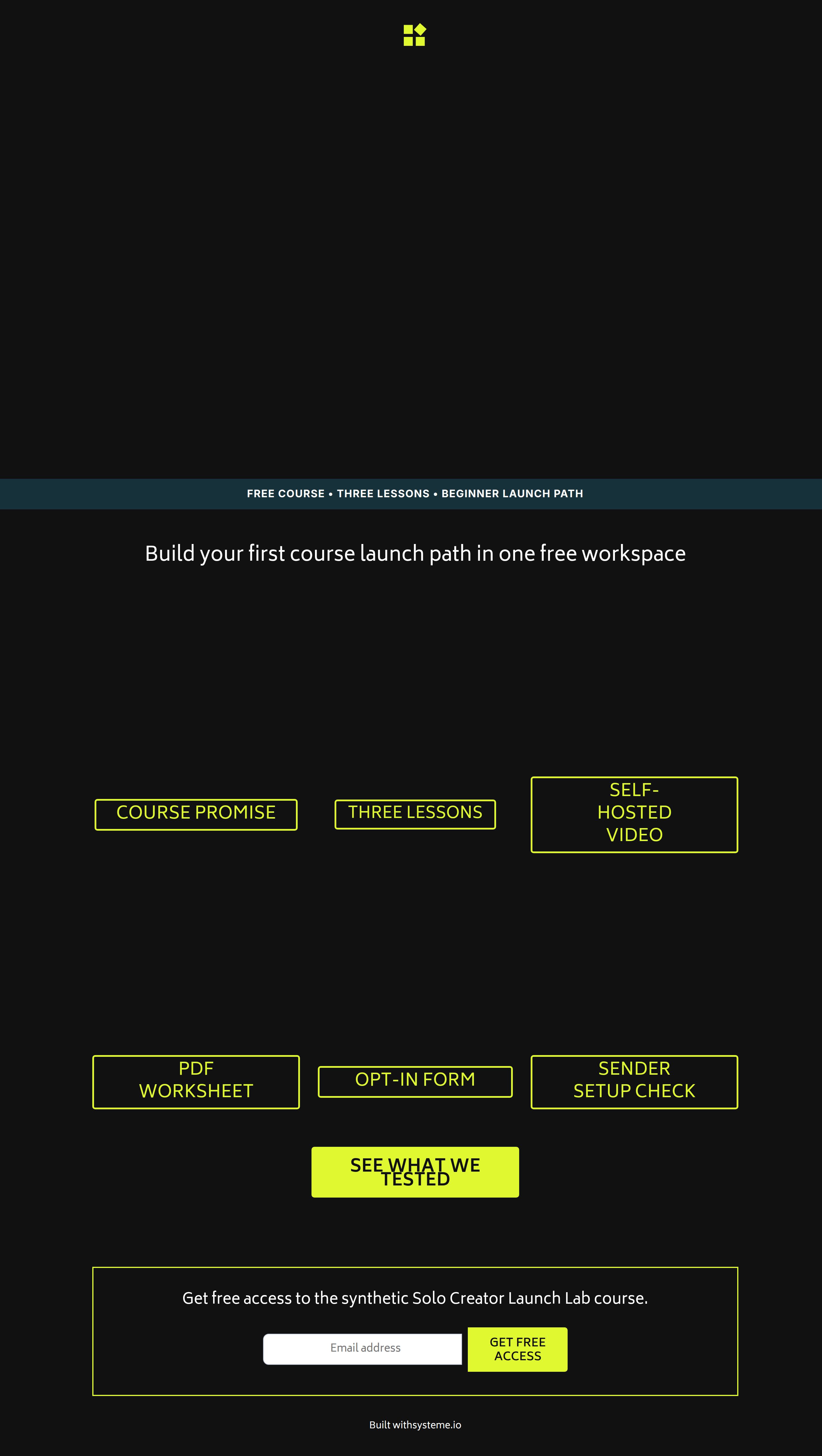
The submit button was configured to submit the form and redirect to the next funnel step. We disabled double opt-in only for this controlled test. Production use may require a different setting for consent and list quality.
The editor is capable, but cleanup is part of the job
The page editor includes text, media, forms, columns, rows, sections, raw HTML, popups, countdowns, and other building blocks. The template we chose also included promotional content and link actions that had to be reviewed.
Based on this test, check each template before publishing:
- Every visible sentence and label
- Every link target
- Every button action
- Form field types and required states
- Mobile visibility settings
- The next step after form submission
- Any raw HTML, animation, countdown, or external font
Email Campaign and Automation
We planned a three-email welcome sequence:
Welcome to Solo Creator Launch Labwith no intentional delayChoose one outcome for your mini-coursefive minutes laterConnect your simple launch pathfive minutes after that
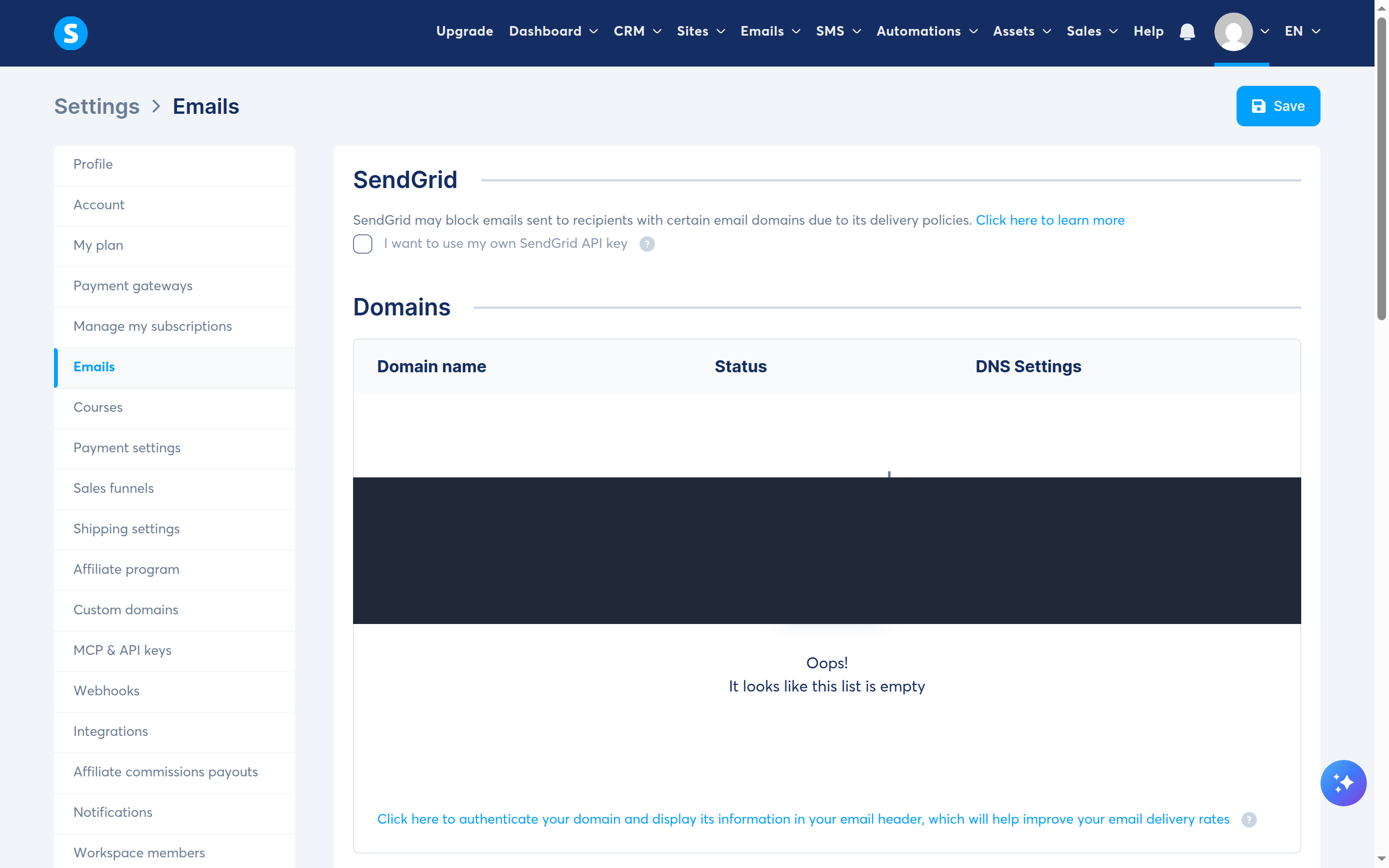
We did not create or send that sequence. Campaign creation required a sender address, so we confirmed one controlled custom-domain address and selected it as the account’s default sender. The address showed as verified in Settings, but the campaign sender selector still had no available option.
The missing step was domain authentication. systeme.io’s current help page says domain authentication is mandatory for sending email and requires three CNAME records plus a DMARC record. It also says the domain must lead to an active website and that the sender address must be confirmed separately. We did not change DNS records for this review, so campaign creation and marketing-email delivery remained untested.
The course-access automation did work. We saved one rule for Funnel step form subscribed → Enroll in course → Solo Creator Launch Lab → Full access. Submitting the public form with the controlled address created one CRM contact and added that contact to the course at 0% progress. No purchase was involved.
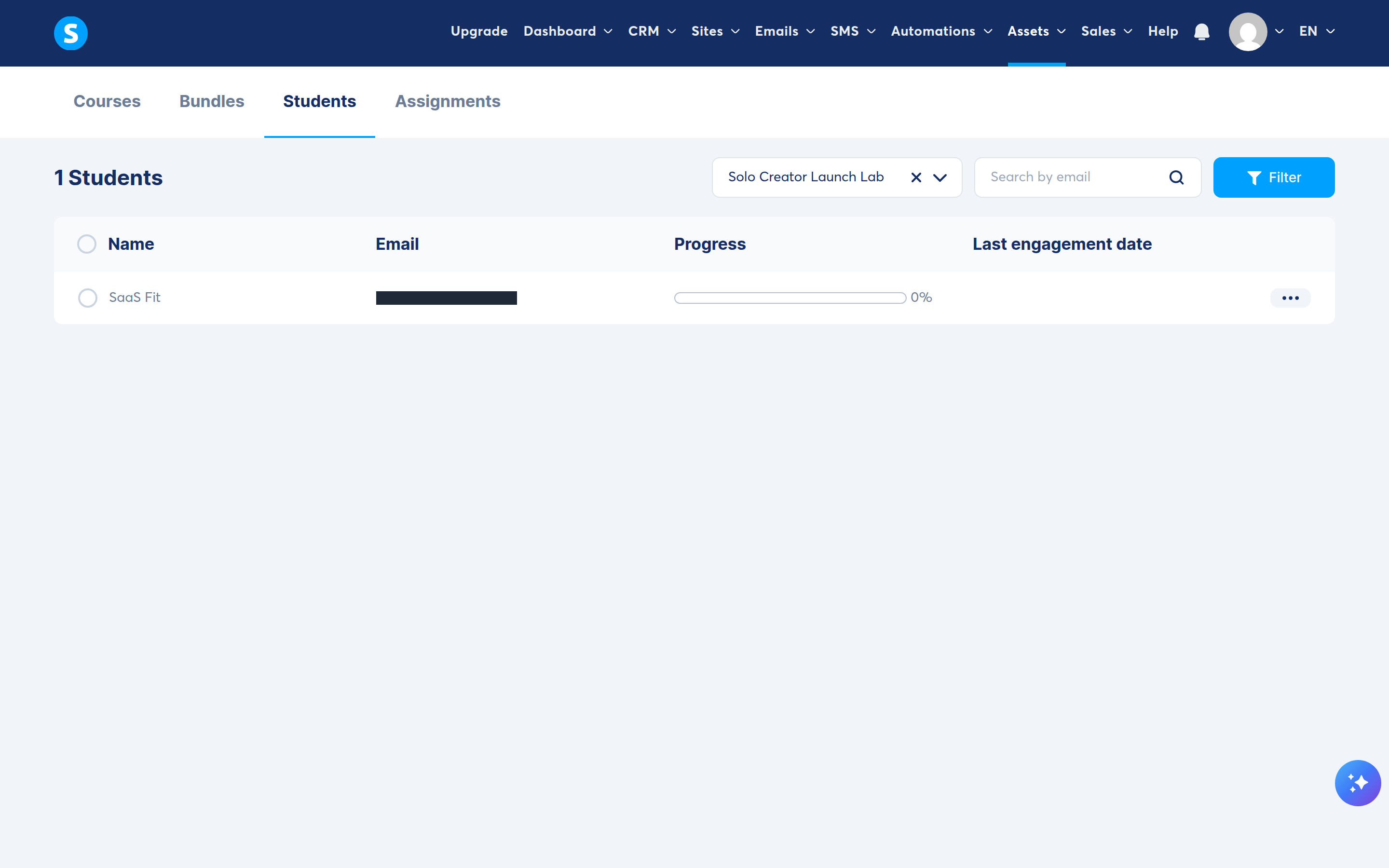
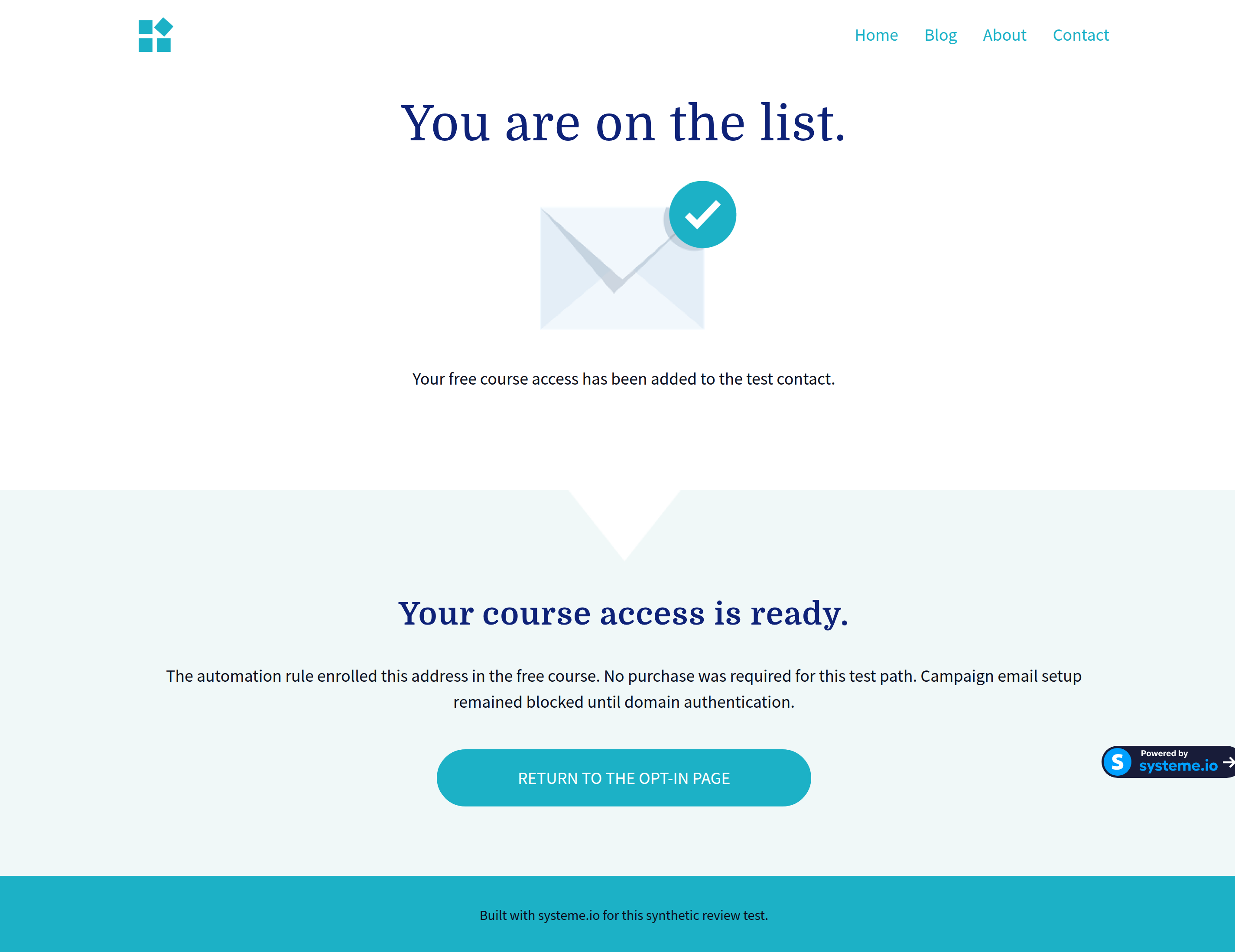
The working form and enrollment rule were separate from the unconfigured email sequence. After configuring DNS authentication, test consent, delays, unsubscribe behavior, message content, and delivery with controlled recipients before inviting a real audience.
Checkout: What We Did and Did Not Verify
We kept checkout separate from the free opt-in path. We added a sales-page step and an order-form step, activated the course itself, and selected that course as a full-access resource for the synthetic digital product.
At the price-plan stage, systeme.io would not create the payment pages until a supported gateway was connected. We did not connect Stripe, PayPal, or enter real payment details. The planned $29 one-time price was never saved or shown on a public checkout page.
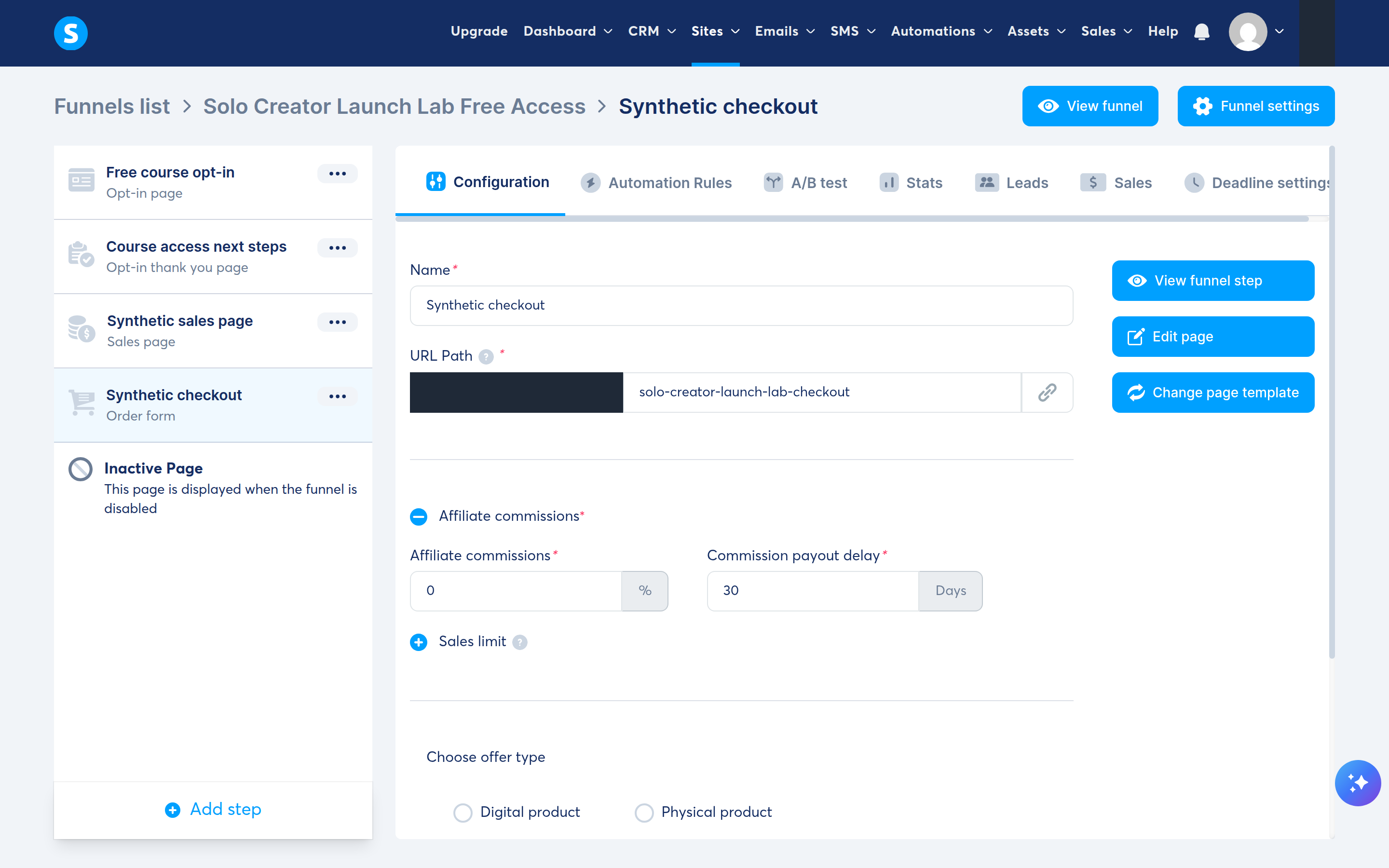
An order-form step alone did not verify payments, tax handling, refunds, enrollment after purchase, or processor webhooks. systeme.io documents connecting Stripe or PayPal, while its test-purchase guide describes a low-priced real purchase and refund rather than an internal Stripe test mode for this flow.
We did not make the documented low-price purchase. Before selling, a creator should separately verify:
- Processor availability for the business country
- Current processor fees and refund treatment
- Taxes, invoices, and required customer disclosures
- The successful-payment automation
- Failed and abandoned payment behavior
- Refund and access-revocation behavior
Pricing and Free Plan Limits
systeme.io’s public monthly prices checked on August 28, 2026 were:
| Plan | Monthly price | Public capacity summary |
|---|---|---|
| Free | $0 | 2,000 contacts, three funnels, one course |
| Startup | $17 | 5,000 contacts and five courses |
| Webinar | $47 | 10,000 contacts plus evergreen webinars |
| Unlimited | $97 | Unlimited contacts, funnels, and courses in the public summary |
The pricing page also lists the Free plan with no expiry and without requiring a credit card, and it advertises two months free with yearly billing. It states that systeme.io charges no platform transaction fee, but Stripe, PayPal, or another processor can still charge its own fees.
See our detailed systeme.io pricing guide for plan-by-plan upgrade triggers and billing cautions.
You can also compare systeme.io with three course platforms using your transaction volume and requirements.
Ease of Use
The dashboard groups the product into Sites, Emails, Automations, Assets, Sales, and Courses. Our workflow crossed several of these areas rather than staying on one setup screen.
Several parts of the workflow use separate states:
- A lecture can be saved but inactive
- A page can look finished while retaining old links or button actions
- A sender address can be confirmed while its domain is still not authenticated for campaigns
- An automation can be saved without proving the downstream email or enrollment happened
- An order-form step can exist without a saved price plan or working payment processor
Using one account for the tested course, funnel, CRM contact, and automation avoided connecting separate tools for those steps. It did not remove the need for an end-to-end launch checklist.
Course Experience and Limitations
Our small text-and-video course fit within the Free plan’s one-course allowance. The pricing page lists unlimited students, but we verified only one controlled enrollment.
We did not evaluate advanced assessments, graded assignments, learning analytics, cohorts, or extensive student-interface customization. Compare those requirements separately before choosing a platform.
Pros and Cons
Pros
- Free plan listed at $0 with no expiry and no credit card required as checked on August 28, 2026
- Course, funnel, CRM, and enrollment automation worked in one account
- Direct MP4 and downloadable-file hosting worked in our small test
- Lecture activation is visible and controlled separately from saving
Cons
- Template cleanup took longer than creating the funnel structure
- Replacing visible text did not always remove inherited links
- Lecture activation is a separate step that is easy to miss
- The file manager adds several clicks for each upload and insertion
- Campaign creation could not proceed without authenticating a sending domain
Who systeme.io Is Best For
Based on our tested scope, systeme.io is worth considering if you are a solo creator who:
- Wants to validate one small course before buying a larger software stack
- Wants a course, funnel, CRM contact, and enrollment automation in one account
- Is comfortable using templates as a starting point and reviewing every action
- Is prepared to configure an authenticated sending domain and payment gateway separately
It is a weaker fit if you:
- Need advanced learning design, assessment, or cohort features immediately
- Want a highly controlled visual system without template cleanup
- Do not want to manage separate DNS authentication and payment setup
Alternatives to Consider
If advanced course delivery or a more specialized student experience matters, compare the relevant features before deciding. Our all-in-one course platform comparison covers systeme.io, Thinkific, Teachable, Kajabi, Podia, and ClickFunnels. We did not test those alternatives as part of this review.
Final Recommendation
systeme.io Free is worth testing if you want to assemble one small course and an opt-in-to-enrollment path before paying for additional tools. Our account held the course, video, worksheet, opt-in pages, CRM contact, and enrollment automation without requiring card details. We did not complete the email campaign or paid checkout because those steps required an authenticated sending domain and a supported payment gateway.
Before choosing it, clean the templates, inspect inherited links, activate each lecture, and test the subscriber and buyer journeys you plan to use. Compare course-specific features separately if teaching tools or the student experience are central to the product.
Frequently Asked Questions
Is systeme.io really free?
Yes. The public pricing page lists a $0 Free plan with no expiry and no credit card required. It has limits, including 2,000 contacts, three funnels, and one course as checked on August 28, 2026.
Can I build and deliver a course on the Free plan?
Yes. We created one Classic course with two modules, three lectures, a direct-upload MP4, and a downloadable PDF. The Free plan is limited to one course, so a second separate course is an upgrade trigger.
Does systeme.io host course videos?
Yes. We uploaded a small H.264 MP4 directly through the lecture editor, then confirmed that it remained embedded after saving and reloading the lesson. We did not test long-video performance, caption workflows, or playback at scale.
Can systeme.io send an email sequence after an opt-in?
Official documentation says campaigns can hold sequenced emails and automation rules can subscribe a contact after form registration. We could not complete that path because the account lacked an authenticated sending domain, which the current documentation requires. We verified course enrollment after the opt-in, but not campaign subscription or delivery.
Can I sell a course without transaction fees?
systeme.io says it does not add a platform transaction fee. A connected processor can still charge payment, currency-conversion, dispute, or refund-related fees. We did not connect a processor or make a live purchase in this review.
Is systeme.io easy for beginners?
The dashboard structure was understandable in our test. The main challenge was tracking separate states: saved but inactive lectures, old template links, a confirmed sender without an authenticated domain, and an order form without a working payment setup. Use an end-to-end checklist.
Official Sources Reviewed
We reviewed these English-language provider pages on August 29, 2026. The source links below are not affiliate links.
- systeme.io: pricing and create a sales funnel and create an opt-in page and create a course and host videos and add a downloadable file and create an email campaign and authenticate a domain for email sending and confirm a sender email address and send a test email and automation rules and grant course access after an opt-in and activate stripe or paypal and make a test purchase